 Qotara
Save repeat clients
Keep client contact details ready for future work, then edit anything that changed before you send.
Build clear estimates from phone or desktop, reuse saved clients and services, send professional PDFs, and turn won work into invoices without retyping the job.
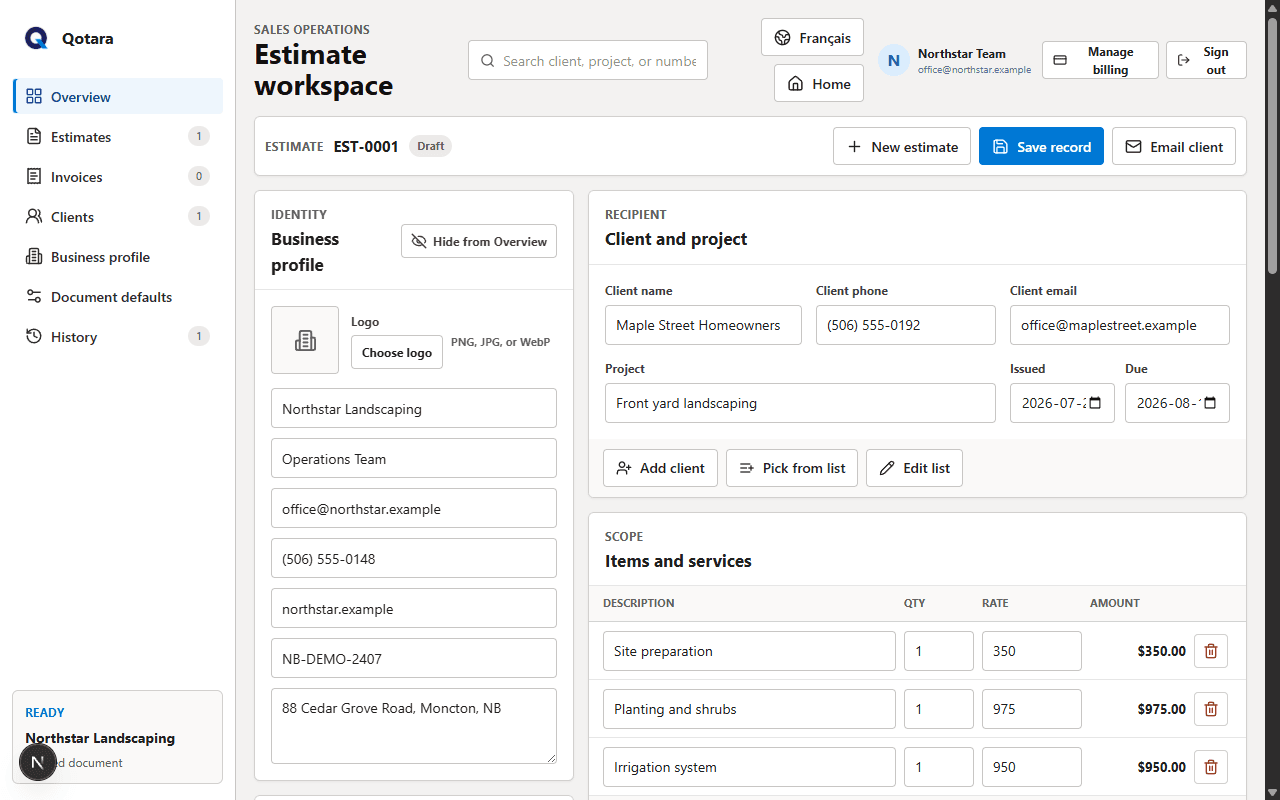
Qotara keeps estimating, document delivery, and invoicing together without asking a small service business to adopt a full accounting or job-management system.
Keep client contact details ready for future work, then edit anything that changed before you send.
Build a list of common labour, material, and service items with saved quantities and rates.
Choose a default tax percentage and estimate notes while keeping every job fully editable.
Email the client a formatted estimate, secure document view, and downloadable PDF with your business details.
Carry the client, project, items, totals, and notes forward instead of entering the same job twice.
Use the responsive web workspace at the job site, in the truck, or back at the office.
Start with the customer and job details, pick common services from your saved list, then adjust quantities, rates, discounts, and tax for the work in front of you.
The document preview updates with the total as you work. When it is ready, send the estimate to the client or download the PDF for your own records.
See how estimates become invoicesAdd saved services or create job-specific line items.
Check the client details, totals, business branding, and notes.
Email the estimate, save the record, and convert won work into an invoice.
Qotara is designed for small service businesses and contractors that need a focused way to create estimates, send professional documents, and turn won work into invoices.
Yes. Qotara is a responsive web application, so you can use the workspace in a modern mobile or desktop browser without installing a separate app.
You can save a default tax percentage and change it for each document. Qotara does not choose the correct GST, HST, PST, or QST rate for you and does not provide tax advice.
The client receives a formatted email with your business details, a secure document view, and a downloadable PDF. Replies are directed to the business email saved in your profile.
Yes. Qotara carries the job details into an invoice so you can review and send it without rebuilding the document.
Both plans include the estimate, invoice, saved-client, saved-service, PDF, and email tools described on this page.
Set up your business profile once, then build a professional estimate from the same workspace.