 Qotara
Name the included areas
A room or area list reduces ambiguity and makes changes easier to discuss.
A professional cleaning estimate should make the frequency, areas, tasks, assumptions, and price easy to review. This structure works as a starting point for residential or commercial jobs.
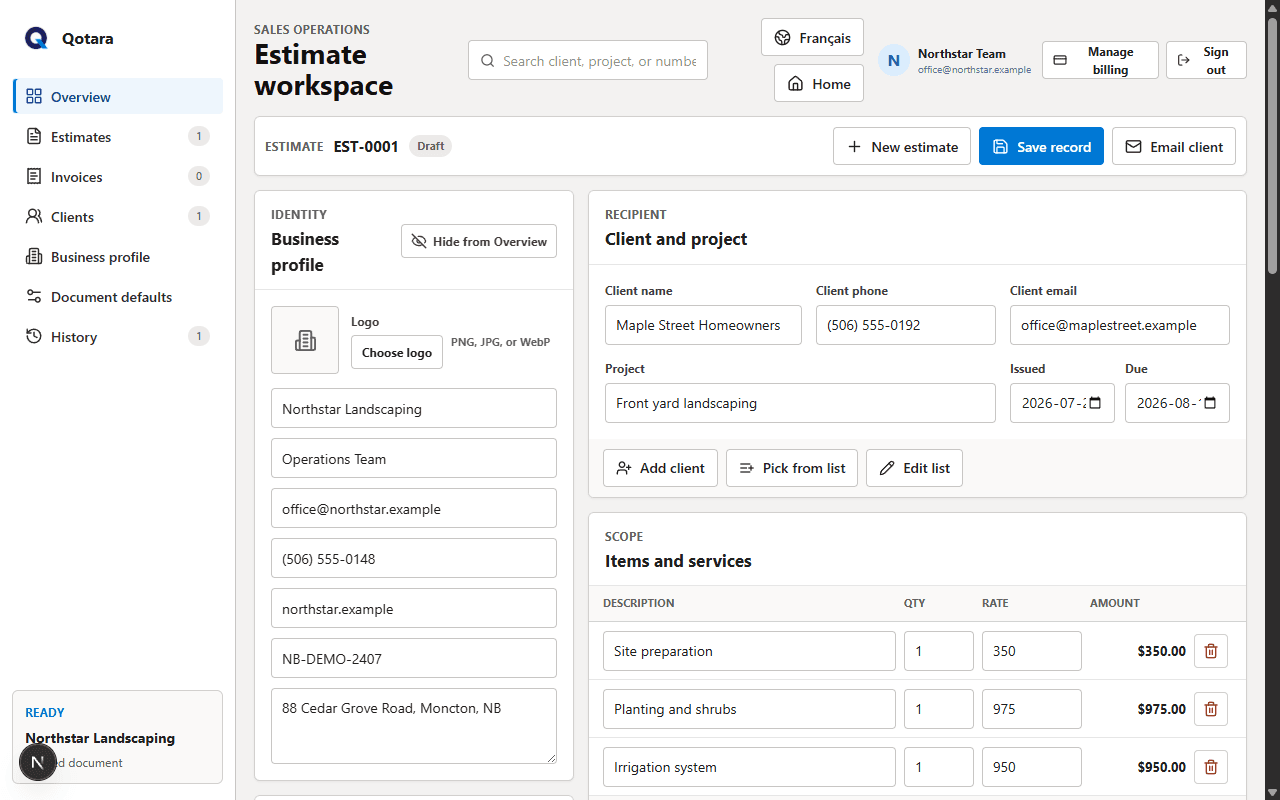
Adapt the example to the way your company prices—by visit, hour, room, square footage, or a complete service package.
A useful template is consistent, but it should never hide the details that make this job different. Confirm the client, scope, assumptions, pricing, tax, dates, and notes before sending.
Qotara lets you save the parts that repeat and edit every selected item for the current job. The finished estimate can be emailed, viewed securely, or downloaded as a PDF.
Explore cleaning business softwareConfirm property type, size, condition, frequency, access, and requested tasks.
List the included areas and separate special or occasional services.
Review schedule, quantities, rates, tax, exclusions, contact details, and total.
A room or area list reduces ambiguity and makes changes easier to discuss.
Show deep cleaning, windows, appliances, carpet, or supply charges as distinct items when possible.
The same property can have a different price depending on visit frequency, timing, keys, alarms, and occupancy.
Use the pricing model your business offers. You can show hours and rates, a per-visit price, or a complete service package as long as the scope and total are clear.
Yes. Save the client and common service items, then update frequency, dates, quantities, rates, or special tasks for the next document.
State whether supplies and equipment are included, charged separately, or provided by the client so expectations are clear.
Save the details you reuse, tailor the job, and send the finished document from Qotara.