 Qotara
Describe an outcome
Use specific work descriptions instead of vague labels such as labour or materials alone.
A strong contractor estimate tells the client what work is included, how the price is calculated, when the quote expires, and which assumptions could change the final cost.
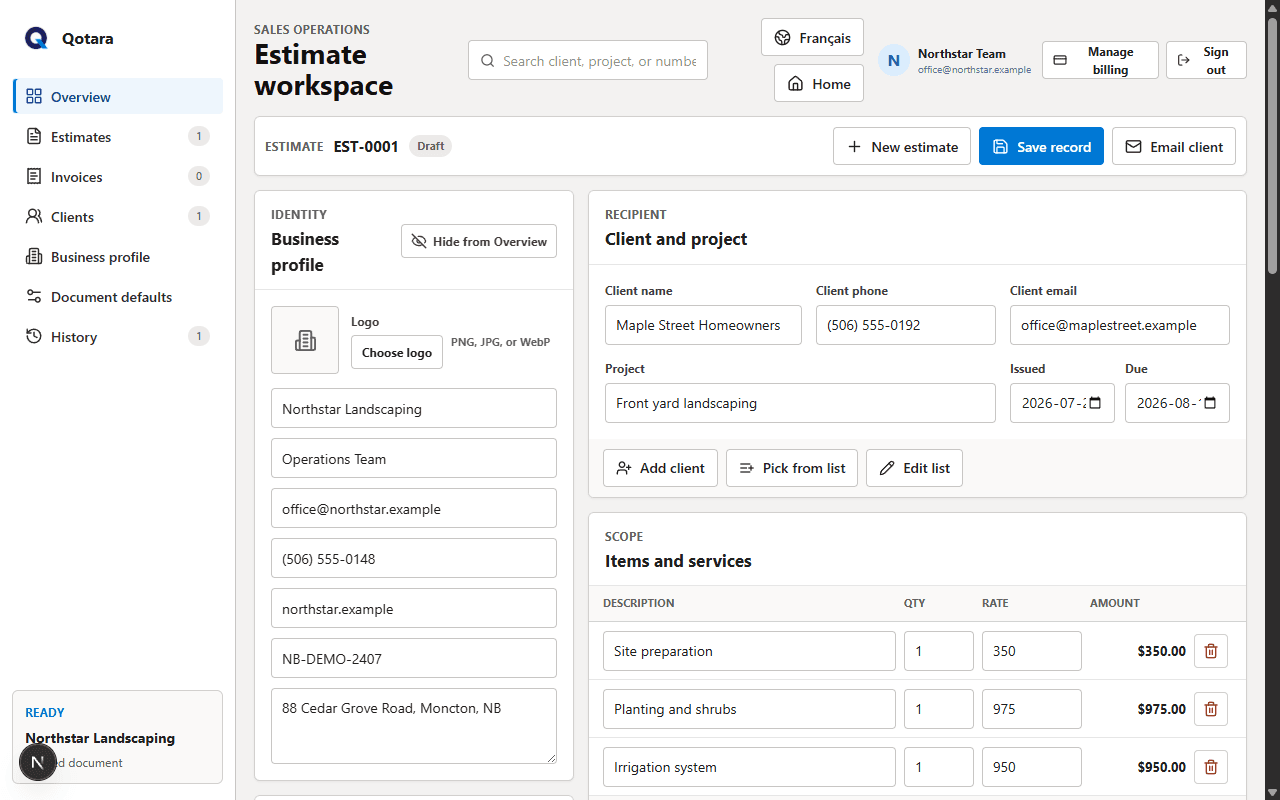
Use these sections as a practical starting point, then adapt the language and legal terms to your trade, location, and business.
A useful template is consistent, but it should never hide the details that make this job different. Confirm the client, scope, assumptions, pricing, tax, dates, and notes before sending.
Qotara lets you save the parts that repeat and edit every selected item for the current job. The finished estimate can be emailed, viewed securely, or downloaded as a PDF.
Explore contractor estimating softwareConfirm the client, location, requested outcome, and boundaries of the work.
Separate labour, material, equipment, and service items where that helps the client understand the total.
Check dates, tax, assumptions, spelling, contact details, and the final amount.
Use specific work descriptions instead of vague labels such as labour or materials alone.
Call out permits, disposal, repairs, or hidden conditions when they are not part of the quoted scope.
Add a validity period when material prices or availability can change.
Not necessarily. An estimate communicates expected scope and price, while a contract generally creates binding obligations. Requirements vary by location and trade, so use appropriate professional advice.
Include the tax percentage and amount when tax applies to the transaction. Qotara lets you save a default percentage and edit it per document, but does not provide tax advice.
It can when the scope, quantities, approvals, or unforeseen conditions change. Document the change clearly and follow the agreement you made with the client.
Save the details you reuse, tailor the job, and send the finished document from Qotara.